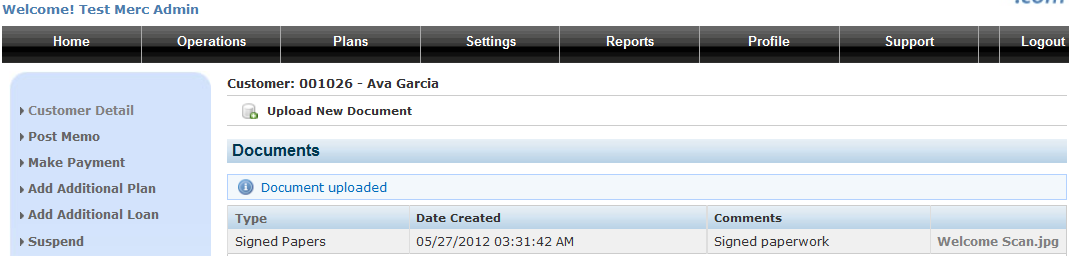
For HIPA and other legal compliance purposes, it is required that copies of all documents signed by the customer are readily available in case of an audit. Minimally, you should have paper copies of the signed agreement, signed credit form, signed ACH authorization, Drivers License and voided check for every customer. Optimally, you would scan all the documents and attach them to the account within the system.
You can store electronic copies of these documents in the system by first defining one or more document types.
Defining Document Types
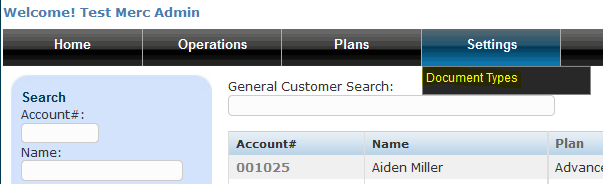
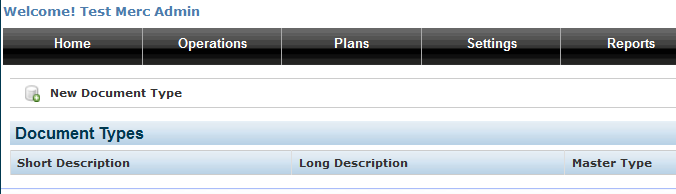
Click on New Document Type...
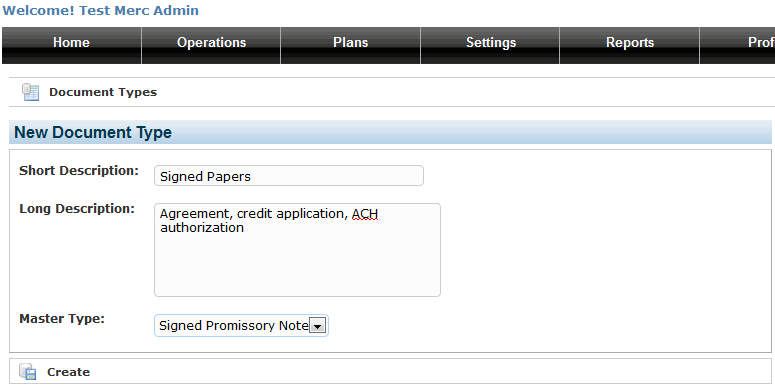
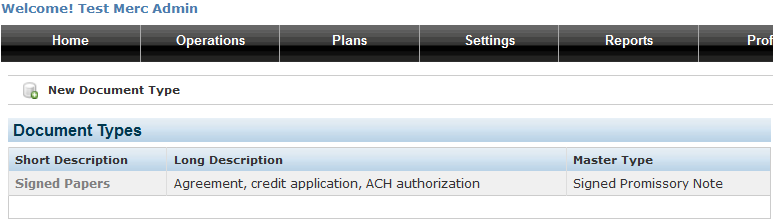
Enter a Short and Long description and select a Master Type. Click on Create.
You should now see one document type in your list...
Attaching A Document
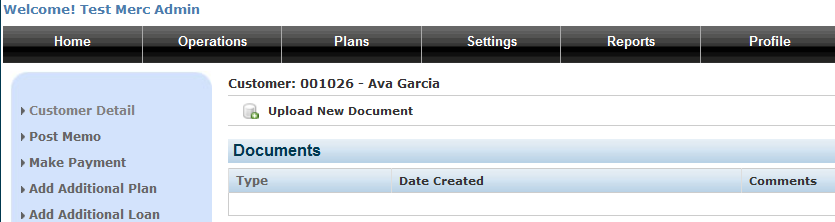
Now, go to the Customer Detail page for an account and click on the Documents link on the left side menu. On the next page, click on Upload New Document...
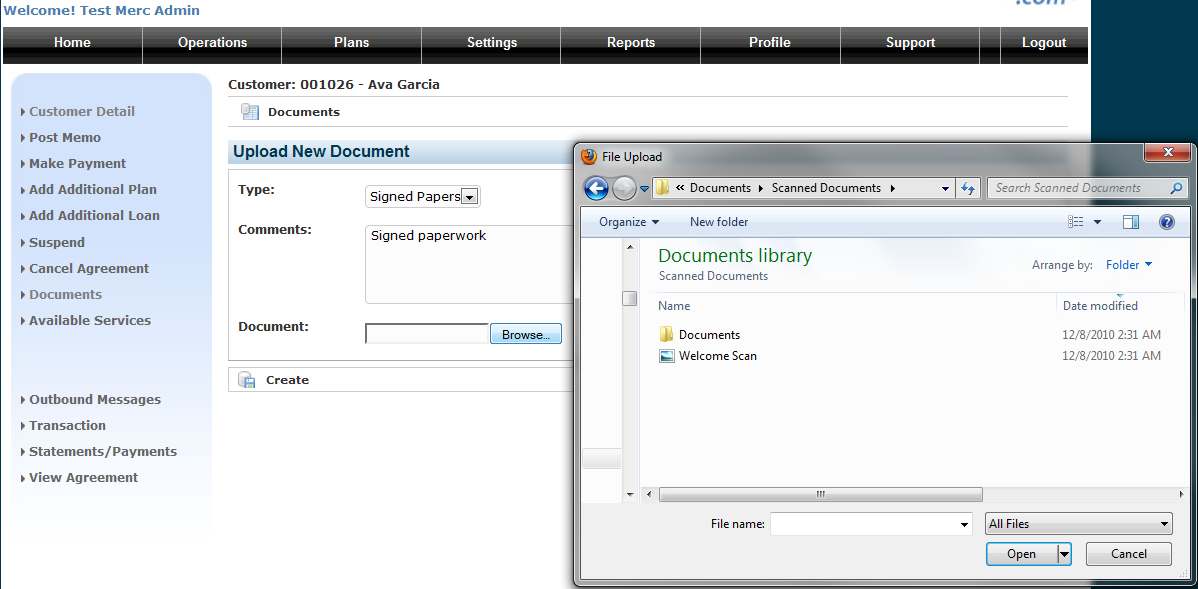
Select the Type, add some comments and click on the Browse button. Select the file to upload. Valid file types are Adobe Acrobat (.pdf) file, image files (.gif, .jpg, .jpeg, .png) and text files. After you select your file, be sure to click on the Create button.
You should now see the document attached to the account. Clicking on the document name will bring up the document in the default application for your computer.